How to scan old photos for a memorial video
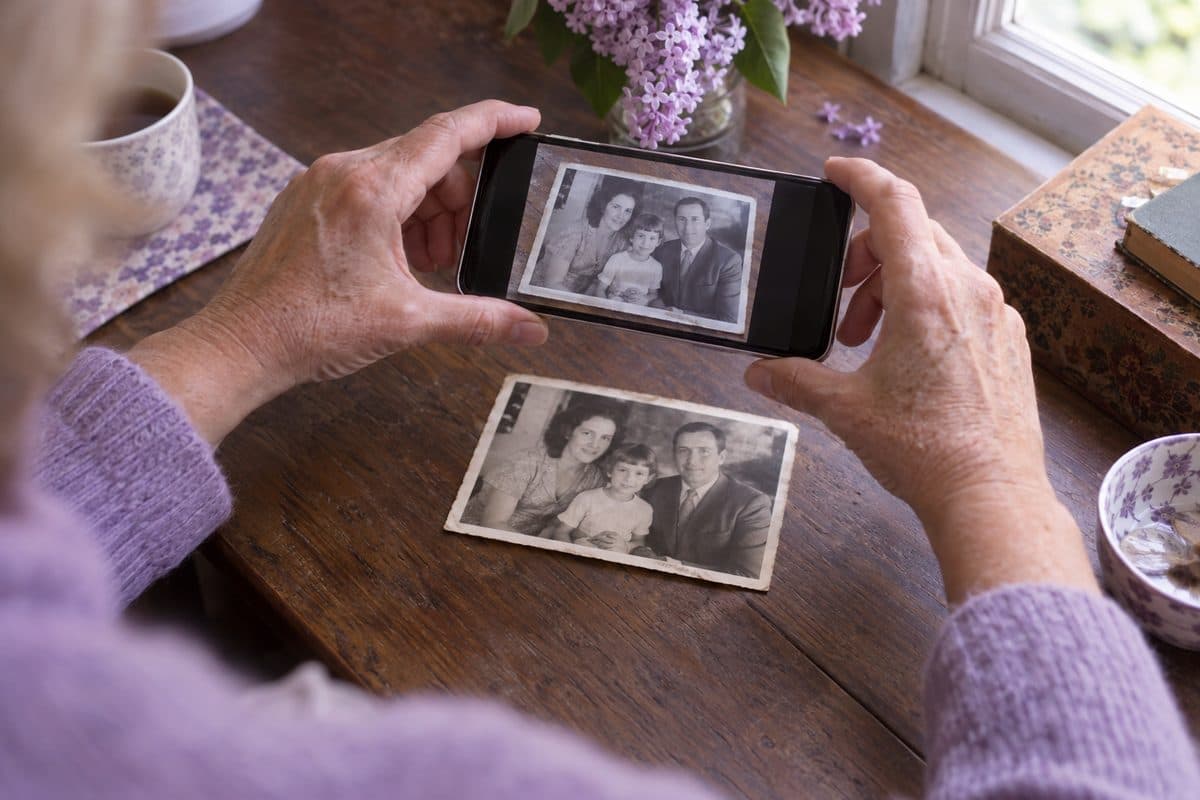
For a memorial video, your phone is enough: lay each print flat by a window in daylight and take the picture straight from above, or use a free scanning app that removes glare. A flatbed scanner at 600 dpi is the best way for small or precious prints, and a library or a scanning service can take on a whole box.
Updated October 17, 2026
Four ways to scan old photos
With your phone's camera
The quickest way, and good enough for a video on a TV or a big screen. Take the photo out of its frame or sleeve and lay it flat on a dark table near a window. Turn the flash off, hold the phone straight above the photo so its edges look square, tap to focus and take the picture. Crop it afterwards so only the photo shows.
With a free scanning app
Apps such as Google PhotoScan, free on iPhone and Android, take several pictures as you move the phone over a few dots and join them into one, which removes most of the glare from glossy prints. They also find the edges and straighten the photo for you. Each photo takes a little longer than with the camera alone.
With a flatbed scanner
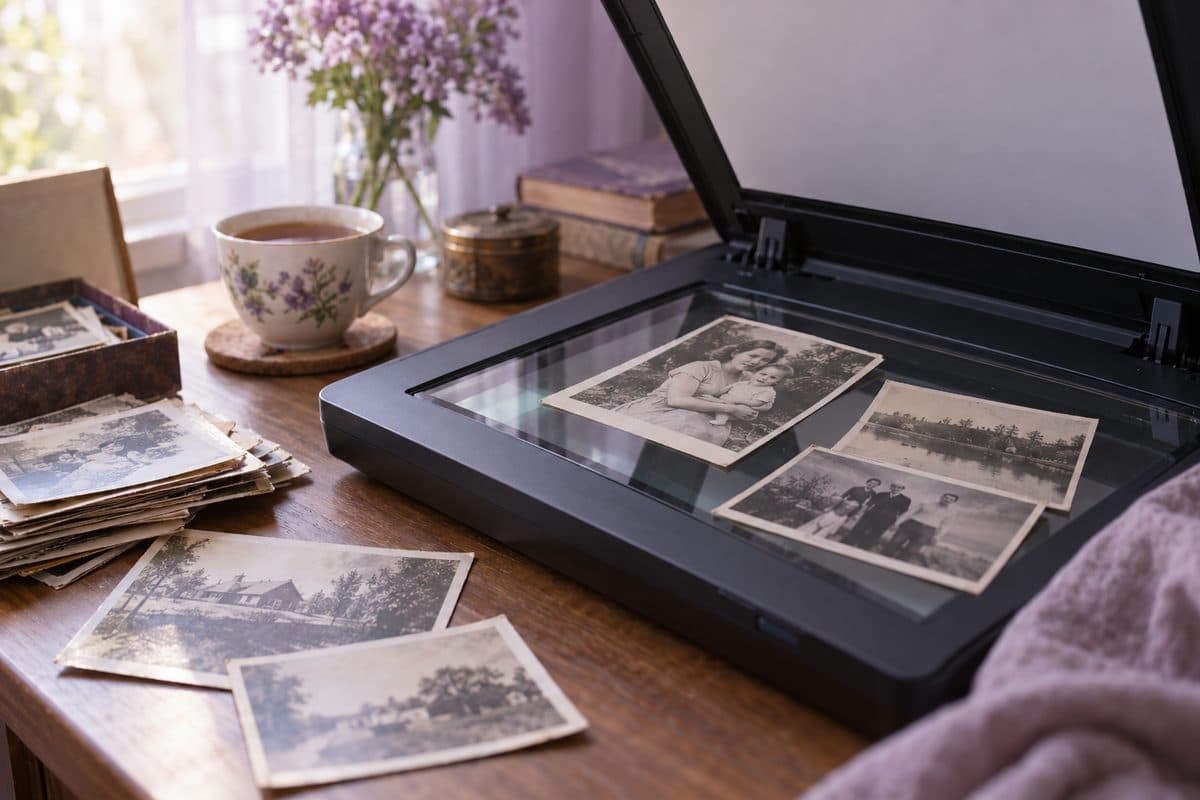
A flatbed scanner gives the sharpest, most even copies, and many home printers have one built in. Wipe the glass with a soft dry cloth, lay the prints face down and scan in color, even the black-and-white photos, to keep the warm tone of old paper. Save the scans as JPG files.
Scan small prints and wallet photos at 600 dpi, and standard or large prints at 300 dpi. For a video, about 2,000 pixels on the long side is plenty.
At a library or with a scanning service
Many public libraries have a photo scanner you can use for free, and someone to show you how. A scanning service will do a whole box for you, often slides and negatives too. Ask for the price per photo and how long it will take before you hand anything over, especially if the funeral is soon.
Which way to choose
With a service coming up and fewer than 100 photos, use your phone or a scanning app. For a big box of prints, or for slides and negatives, a scanner or a scanning service is the better choice. You can do both: the phone for this week, the scanner later for the family archive.
Tips for clear copies without glare
- Use daylight from a window, out of direct sun. Ceiling lights leave a bright spot on glossy prints.
- If you see a shine on the photo, move the photo or yourself until it's gone. A scanning app takes care of most of it.
- Dust each print gently with a soft brush or a dry cloth. Never wipe an old photo with water or a cleaning spray.
- Take photos out of their frames if the back opens easily, since the glass reflects the whole room. If it won't open, photograph it at a slight angle and straighten it afterwards.
- Don't pull photos off the sticky pages of old albums, because they can tear. Photograph them in the album, and fold back the clear film first if it lifts easily.
- Slides and negatives need light from behind. Use a film scanner or a service, or in a pinch hold a slide against a tablet showing a plain white screen and photograph it close up.
- Write down who is in each photo and roughly when, while the family is together to ask.
Naming and sorting the files
If you'll build the slideshow yourself, start each file name with the year, like 1962 wedding or 1975 lake, and keep them all in one folder. The folder then sorts them in the order of their life.
Don't worry about the date stored in a scanned file: it's the day you scanned it, not the year the photo was taken. If you use our maker, Sort by age looks at how old they look in each photo instead, and you check the order.
Sending the photos into the video
- Open the Photos step on your computer
Start a video on our maker, save the project with your email and open the Photos step. You'll see a QR code that says Add from your phone.
- Scan the code with your phone's camera
A page opens on the phone with one big button, Choose photos. Pick the scans from your photo library, and they go straight into the project.
- Go back to the computer
When the phone says All done, the photos are on the computer screen, ready to put in order. iPhone photos (HEIC), JPG, PNG, WebP and ZIP files all work.
For photos on other people's phones, send them the family link by text or email. They add photos from their own phones without an account, and each photo shows who sent it.
Keep the prints
Scanning doesn't replace the originals. Put them back in a box, away from damp and sunlight, and share the folder of scans with the family afterwards so everyone has a copy.
Questions about scanning photos
What is the best way to digitize old photos?
For a few dozen photos, your phone or a free scanning app is the quickest way, and good enough for a video. For a big collection or fragile prints, a flatbed scanner at 600 dpi gives the best copies, and a scanning service saves you the hours. Slides and negatives need a film scanner or a service.
Is it better to scan old photos or take pictures of them?
A scanner gives sharper, evenly lit copies with no glare or tilt, which matters if you want to print them again. For a memorial video on a TV or a screen, a careful phone picture in daylight looks nearly as good, and it's much faster.
What resolution should I scan old photos at?
600 dpi for small prints and wallet photos, and 300 dpi for standard and large prints. For a video, about 2,000 pixels on the long side is plenty. More only helps if you want to crop in close or print the photo bigger.
How do I scan photos with my phone?
Lay the photo flat by a window in daylight, turn off the flash and hold the phone straight above it. Or use a free app like Google PhotoScan, which takes several shots and removes the glare. Then crop each picture so only the photo shows.
How much does it cost to digitize old photos?
With your phone or a library scanner, nothing. Scanning services charge per photo and their prices vary a lot, so ask for a quote for your box and how long it will take.
You may also find helpful
 Funeral slideshow guideA step-by-step guide for families: gathering and scanning photos, putting them in order, music, closing words, free tools and playing it at the service.
 How long should it be?How many photos and songs for a video of 5 to 10 minutes, with a calculator.
 Example videosMemorial videos made from family albums, to watch before you start your own.
 PowerPoint templateA free funeral slideshow template for PowerPoint: five 16:9 slides with photo frames and soft backgrounds, sent by email, with steps for photos and music.
 GuidesPlain, step-by-step guides for a funeral slideshow or memorial video: finding and scanning photos, putting them in order, music and length.