In loving memory Funeral slideshow videos made simple
Upload the photos you love and choose the music. In a few minutes your video is ready to watch, free, from their first photo to their last.
From a box of old photos to a video the whole family will treasure
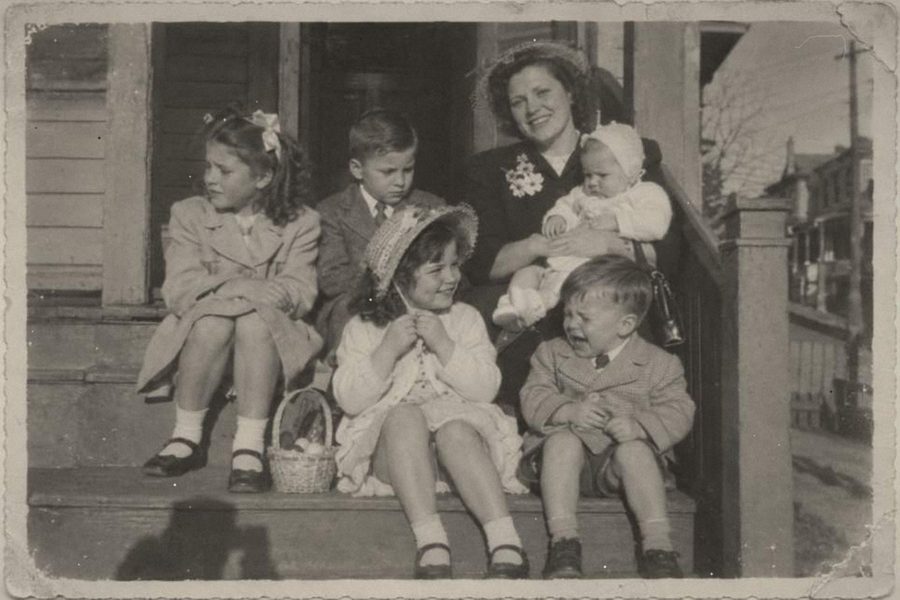
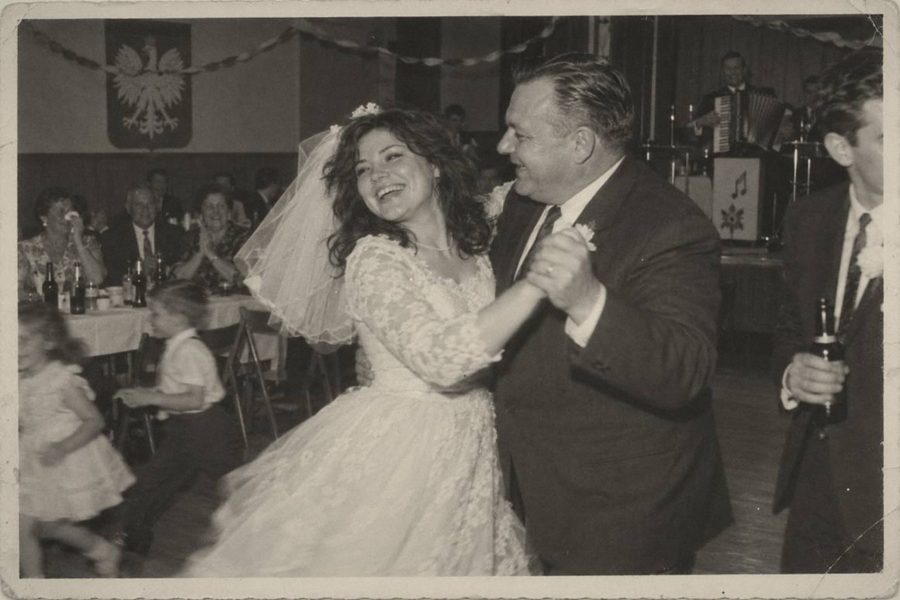
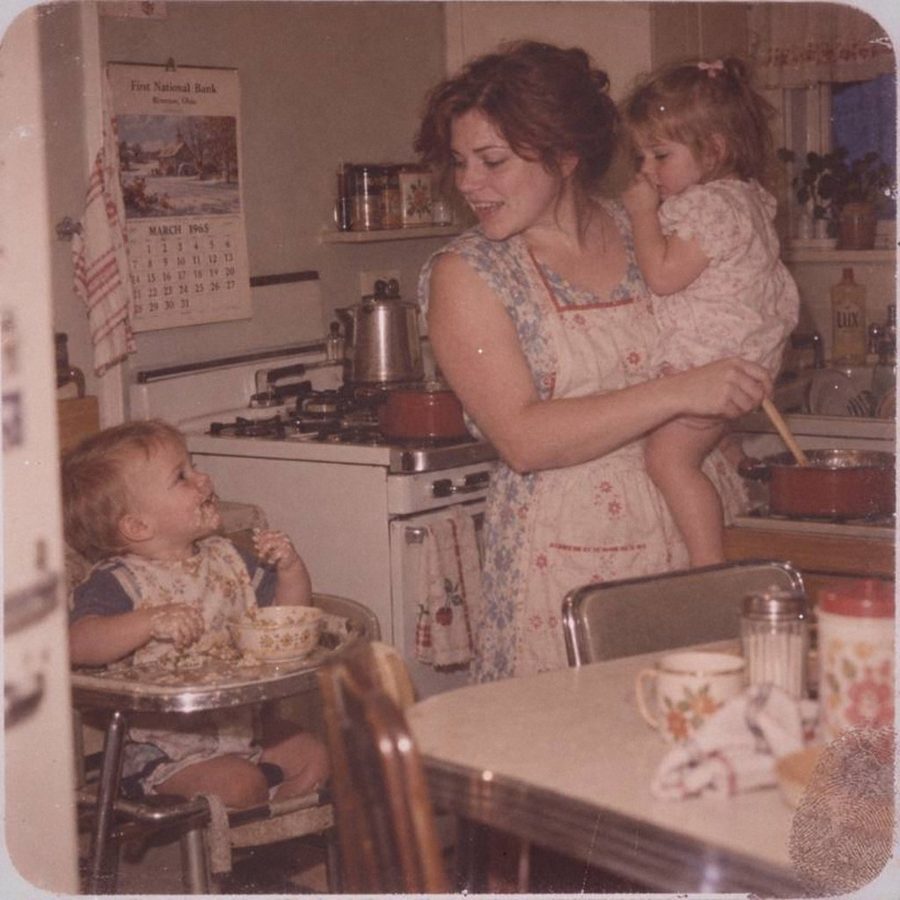
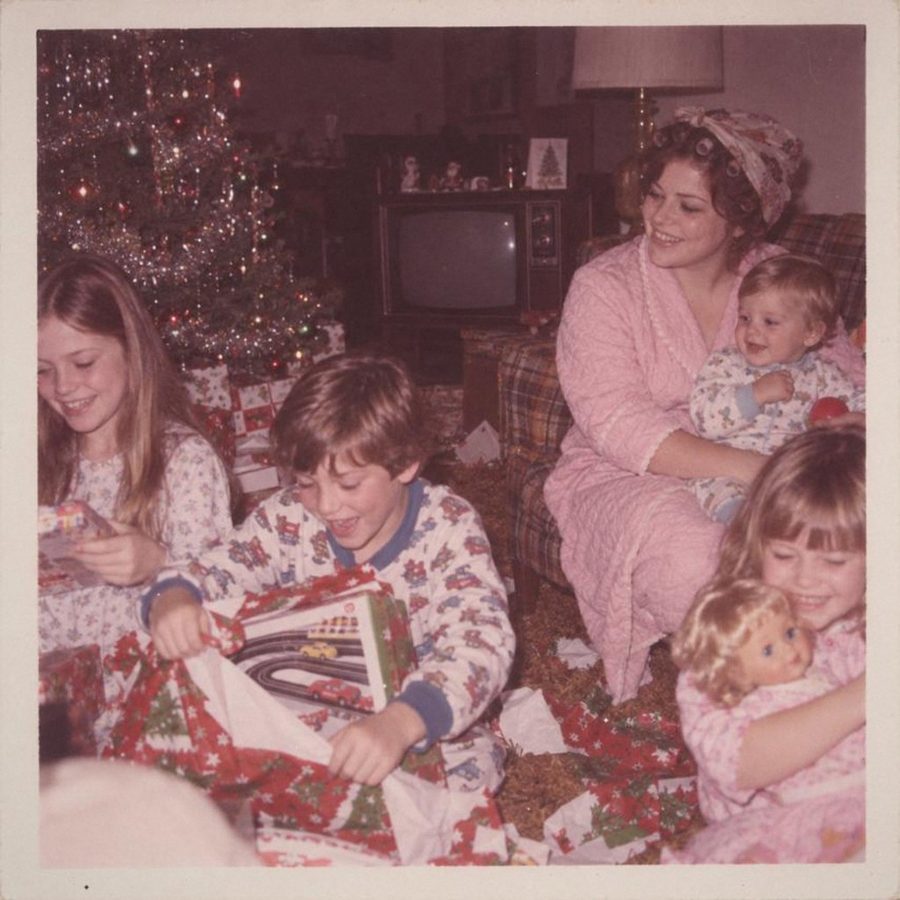


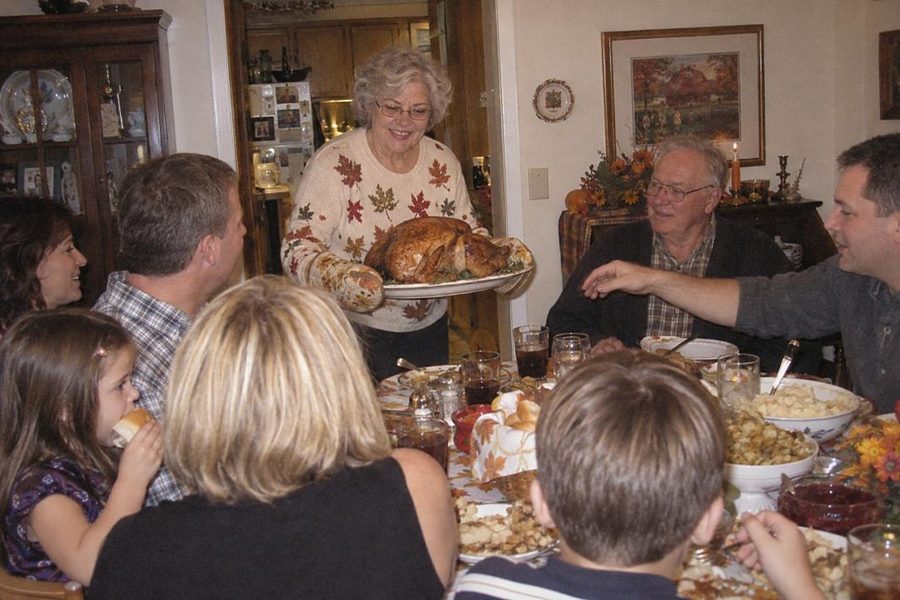
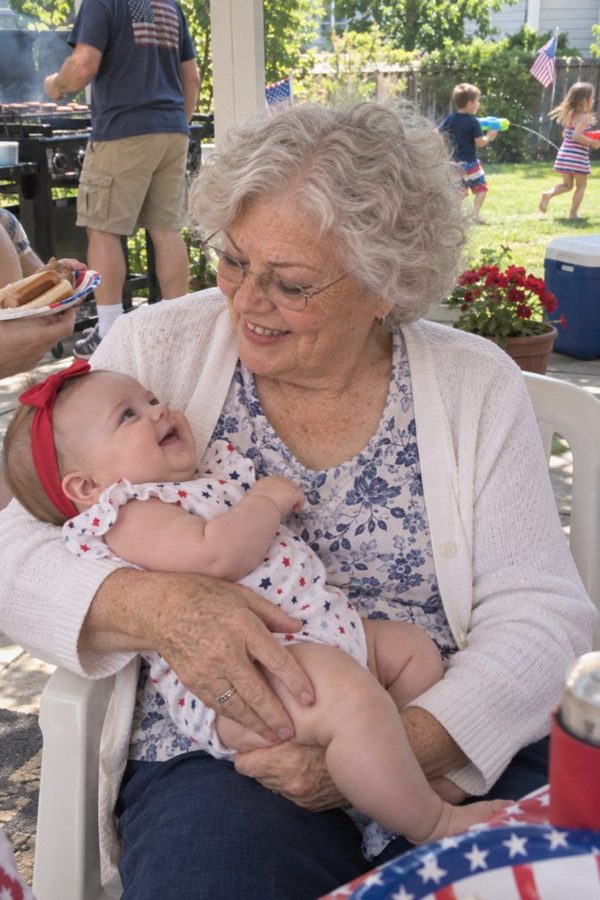
A sample memorial video
Tap the video to watch it with sound
Eight reasons to make your video with us
- Watch the whole video free. It looks like a professional made it.
- We sort your photos by age, at no extra cost. You check the order.
- Family can add photos from their own devices with one simple link.
- No account and no password to remember.
- Change the photos, the music or the style as many times as you like.
- The video stays with your family, to watch again on birthdays and anniversaries.
- Family far away can watch the video on a memorial page.
- Real people answer your emails for support.

Make your video and change it as often as you need, free.
Made for families, not for video editors
We make the video for you (no editing skills needed)
Tap to play and see how it works
- You choose, we do the editing. Pick a style and the music. We place every photo, keep faces in the frame and fit it all to the music you choose.
- Family adds their photos. Send one link by text or email. They add photos from their own phones, with nothing to install.
- Watch it, then decide. See the whole video and change anything you like. Show it to family before you pay.
- Ready for the service. Download the video to play at the service. Family who can't come can watch it online.
AI puts the photos in order,
from childhood onward (included in the price)
- We find the order for you. We look at how old they seem in each photo and lay the photos out from childhood to the later years. It's included in the price.
- You have the final say. It's a first draft. If a photo is in the wrong place, move it with one tap.
- An evening of sorting, done. Putting a hundred photos in order can take a whole evening at the kitchen table. You only fix what's off.
Easy steps to a heartfelt memorial video
- 1
Choose a style
Pick the look of your video: a soft background, a frame for the photos and a gentle way for one photo to turn into the next.
- 2
Upload photos
Add photos from your phone or computer. A phone picture of an old print works fine. Family can add theirs at any time. How many photos should I use?
- 3
Pick music and watch
Choose calm music. We put the video together and you watch all of it. Change anything until it feels right. It costs nothing until you download. How long should the video be?
Want the whole picture first? Read how to make a funeral slideshow, or see the memorial video maker step by step.
Make it truly theirs
Tell their story your way























Each style is quiet and warm, so the photos stay the heart of it.
Choose a look you love
- Choose a style. Each one has its own background, photo frame and gentle movement. We apply it to every photo for you.
- Add their name. The video opens with their name and the years of their life.
Music that fits the memories
- Choose the music. Pick from calm instrumental music made for moments like this. Listen before you choose.
- Or use their favorite song. Upload your own. Need ideas? See the funeral songs families choose most often.
- Set the length. The photos move with the music, so the video ends gently when the music does.
We do the hard part. The love in it is all yours.
Your own memorial video
Make it for free. Pay only when you love it.
An example with a soft, blurred background
Love your video before you pay for it
What's included in your memorial video
Everything you need for the service:
- The full video in HD (MP4, 1080p), ready to download
- No watermark
- A memorial page with the video
- A PowerPoint file of the slides, included
- Photos in order by age, included
- A family link for collecting photos
- Free changes, before and after you pay
- Help from a real person
Real people are here to help if you need us, and it's free.
Putting the photos in order by age is included in the $49.
There's nothing extra to pay.
Honoring the people we love is why we're here.
Not happy with your video? We'll refund you in full within 30 days. You don't need to give a reason.
Good to know before you start
How does it work, step by step?
Upload photos from your phone or computer, pick a style and calm music, and we put the video together. Watch it, change anything you like, and download it when it feels right.
How soon can I watch the video?
Once the photos are uploaded, the preview is ready within 4 minutes, even for 250 photos. Finding and gathering the photos is usually the slow part. If the service is very soon, write to us and we'll help.
Can I keep adding photos after I start?
Yes. You can add photos, take some out and change the order as often as you like, before and after you pay. Family can keep sending theirs through the family link.
Will the video show their name?
Yes. Type their name and the years of their life, and the video opens with them. You can change the words any time before you download.
What is a slideshow at a funeral called?
Families and funeral homes call it a memorial video, a funeral slideshow, a tribute video or a celebration of life video. They mean the same thing: photos of a life set to music, shown at the service and shared afterwards. See some examples.
Can I make a funeral slideshow with music for free?
Yes, with PowerPoint, Google Slides or the Photos app on a phone, if you have time to place each photo yourself. With us, making and watching the whole preview is free, and you pay $49 only when you download the video. Our guide walks through both ways.
I'm not good with computers. Can someone help me?
Yes. Write to support@inmemoryvideo.com and a real person will walk you through each step. The help is free.
Which photos can I use?
Photos from a phone or computer and scans of printed photos, in JPG, PNG or HEIC. An old print can simply be photographed lying flat by a window in daylight. Please upload only photos you have the right to use.
How many photos make a good video?
There's no right number. As a rough guide, each photo stays on screen for 5 to 7 seconds, so 60 photos make a video of about 5 to 7 minutes. Our guide helps you plan.
How do you know which photo comes first?
Press Sort by age and we look at how old they seem in each photo, then lay the photos out from childhood onward. It's a first draft: you check it and move any photo that's out of place. It's included in the price.
Should the photos be in chronological order?
Most families go from childhood to the last years, so the video tells a life in order. We suggest that order by age and you move any photo you like. Some families group photos by theme instead: family, travel, the holidays.
What kind of music is in the video?
Calm instrumental music from our library, chosen for moments like this. You can listen to each piece before you pick it. The photos move with the music, so the video ends when the music does.
Can I use my own songs?
Yes. You can upload up to 10 songs as MP3 or M4A files. Use only songs you have the right to use: you confirm that before the upload. Sites like YouTube and Facebook may mute or block a video with a well-known recording.
How do brothers, sisters and cousins send their photos?
Send them the family link by text or email. They open it on their phones and add photos, no account needed. You choose which photos go into the video.
Can relatives far away watch it too?
Yes. Along with the video you get a memorial page. Send the link to anyone, near or far, and they can watch it there.
Will it play at the service?
Yes. The MP4 file plays on a laptop, a TV or a projector, so you can show it at the service, at home or at a family gathering.
Can I put the video on a USB stick or a DVD?
A USB stick, yes: download the MP4 and copy it there. Ask the funeral home what they play from; an MP4 works on almost any laptop, and on most TVs with a USB port. We don't burn DVDs.
Do I have to make an account?
No. Your video is saved at a private link that only you and the people you share it with can open. To save your project, we ask for your email and send that link to it, so you can come back from any device. There's no password.
What does it cost?
Making and watching your preview is free. When you're happy with it, you pay $49, once. You get the video to download, a PowerPoint file of the slides and a memorial page. Nothing renews. See pricing.
Can I buy only the slides?
Yes. The PowerPoint file of your slides on its own costs $25. If you decide on the video later, it costs the full $49: the $25 isn't taken off.
And if we change our mind after paying?
Write to us within 30 days of payment and we'll return the full amount to your card. You don't need to explain why. Details in the refund policy.
Who can see the photos we upload?
You and the people you share the link with. Our team opens a project only to help you or to fix a problem with your video. We use the photos only to make your video and memorial page. When you press Sort by age, the photos go to the AI services that estimate ages for us, and only for that. We don't sell them, and we don't use them to train AI. Ask us any time and we'll delete everything. More in our privacy policy.
How quickly do you answer emails?
Write to support@inmemoryvideo.com. A real person reads every message and usually answers within one business day.
Do you use AI?
For one thing: to suggest the order of the photos by how old the person looks in each one. The video itself is put together from your photos and music automatically, and you check and change anything before you download.
Are you a funeral home?
No. We make memorial videos from the photos you upload. We don't arrange funerals, burials or cremations, and we don't provide counseling.