
How to make a funeral slideshow
Gather photos from every part of their life, put them in order, add one to three songs and their name, and watch it through with family before the service. A slideshow of 5 to 10 minutes needs about 50 to 100 photos. You can build it free in PowerPoint, Google Slides or the Photos app on a phone, or upload the photos to a memorial video maker that does the arranging for you.
Updated October 17, 2026
The same steps work for a memorial video, a tribute video or a slideshow for a celebration of life. Most of the work is finding the photos, so start there and ask for help early.
How to make a funeral slideshow, step by step
- Gather the photos
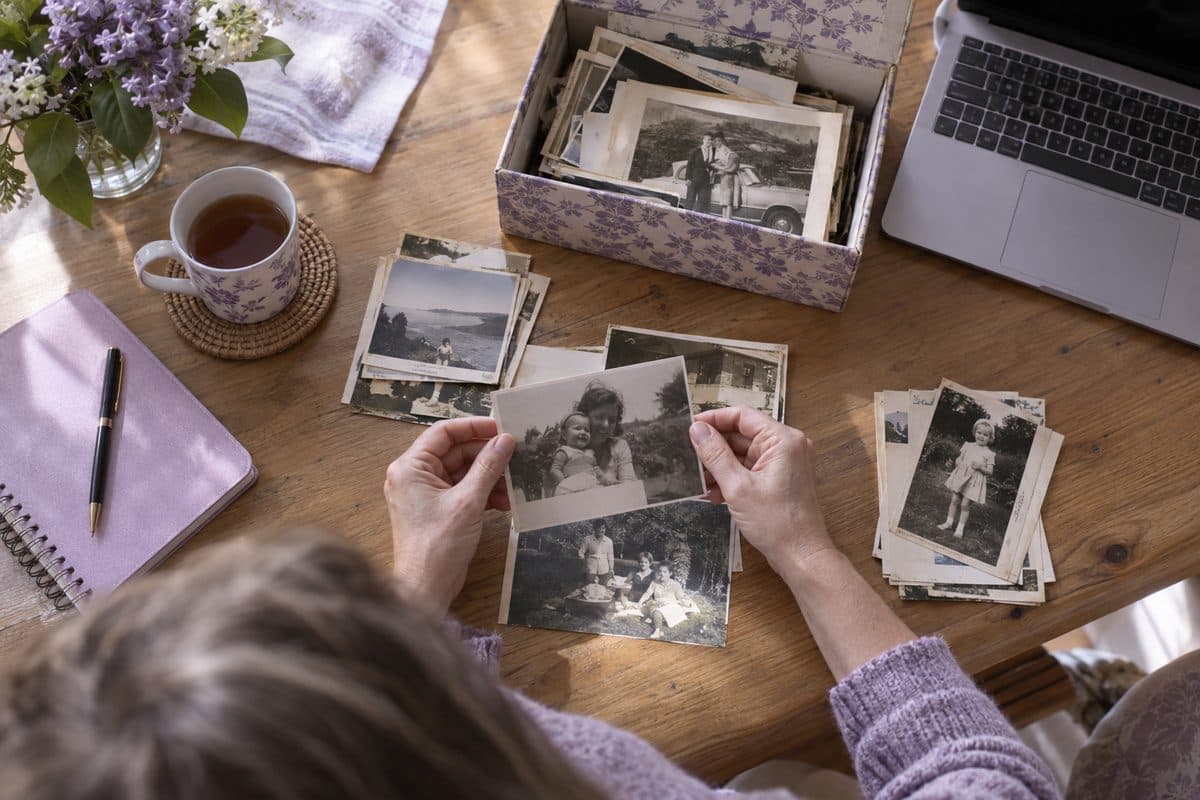
Start with the albums and boxes at home, then ask the family. Brothers, sisters, cousins and old friends often have photos you've never seen, and many of those live on their phones. Ask early and give them a day to send photos by. If you use our maker, the family link lets relatives add photos from their own phones, without an account.
- Decide how many photos you need
Each photo usually stays on screen for 5 to 7 seconds, so a slideshow of 5 to 10 minutes for the service takes about 50 to 100 photos. A video that repeats during a visitation can run longer. Our guide on how long a memorial video should be does the arithmetic for you.
- Scan the old prints
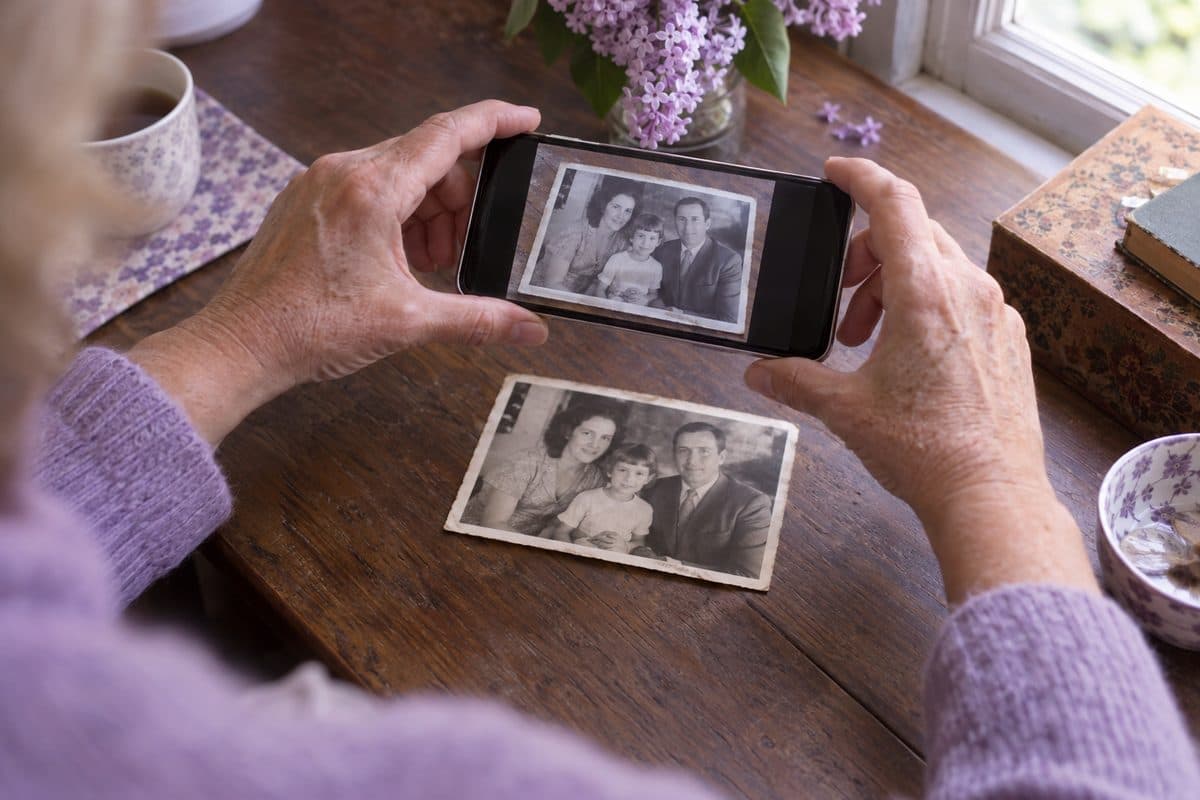
A phone picture of a print, taken straight from above by a window in daylight, is good enough for a slideshow. For small or precious prints, a flatbed scanner at 600 dpi gives the sharpest copy. Our guide on how to scan old photos covers glare, frames and old albums.
- Choose the photos
Pick photos from every part of their life: childhood, school, young love, the family years, work, friends and the grandchildren. Leave out blurry copies of the same moment, and favor group photos where their face is easy to see. A picture of the garden they kept or the kitchen everyone gathered in tells the story too.
- Put them in order
Most families go in the order of their life, from baby photos to the last good picture of them, and guests can follow it without a word of explanation. When you upload the photos to our maker, Sort by age suggests that order from how old they look in each photo. You check it and move any photo that's out of place.
- Choose the music
A song carries 3 to 4 minutes of photos, so a 10-minute slideshow needs about three. Choose songs they loved, or calm instrumental music if words would be too much in the room. Our lists of songs for a memorial slideshow and the funeral songs families choose most can help you decide.
- Add their name and the closing words
The first slide usually shows their name and the years of their life over a favorite portrait. The last slide can show a short verse or a saying of theirs, or simply thank everyone for coming. Funeral poems and Bible verses for funerals have short lines that fit on a slide.
- Watch it with family first
Play it from start to finish, with sound, on the kind of screen you'll use. Ask one or two people to check the spelling of names and the order of the photos, and to look for any photo that could hurt someone, such as one with a former partner. Changes are easy two days before and hard on the morning of the service.
- Plan how it will play
Ask the funeral home or venue what they play videos from, and test your file there if you can. An MP4 video on a USB stick or a laptop plays almost everywhere. There's more on this further down the page.
If the service is in a day or two
Spend the time on the photos, not the software. Pick 40 or 50 good ones, choose one song and keep the titles simple. A short slideshow that's ready on time will mean more than a long one that isn't.
Funeral slideshow ideas that make it personal
Their handwriting
Photograph a birthday card, a recipe card or a note in their hand and put it among the photos. People know that handwriting at a glance.
The things they made or loved
A quilt, a garden in bloom, a boat, the cake they baked for every birthday. A photo of what they made says a lot about who they were.
The same place, years apart
Look for photos taken on the same porch or at the same lake decades apart. Shown one after the other, they hold a whole life in two pictures.
Everyone they loved
Near the end, show each child and grandchild with them, or the big family photos, so everyone in the room finds themselves.
A song for each chapter
Change the song when the chapter changes: the music of their teenage years for the early photos, something calm for the later ones.
Their own words
Close with a saying they repeated or a line from one of their letters. It will sound like them.
What a finished slideshow looks like
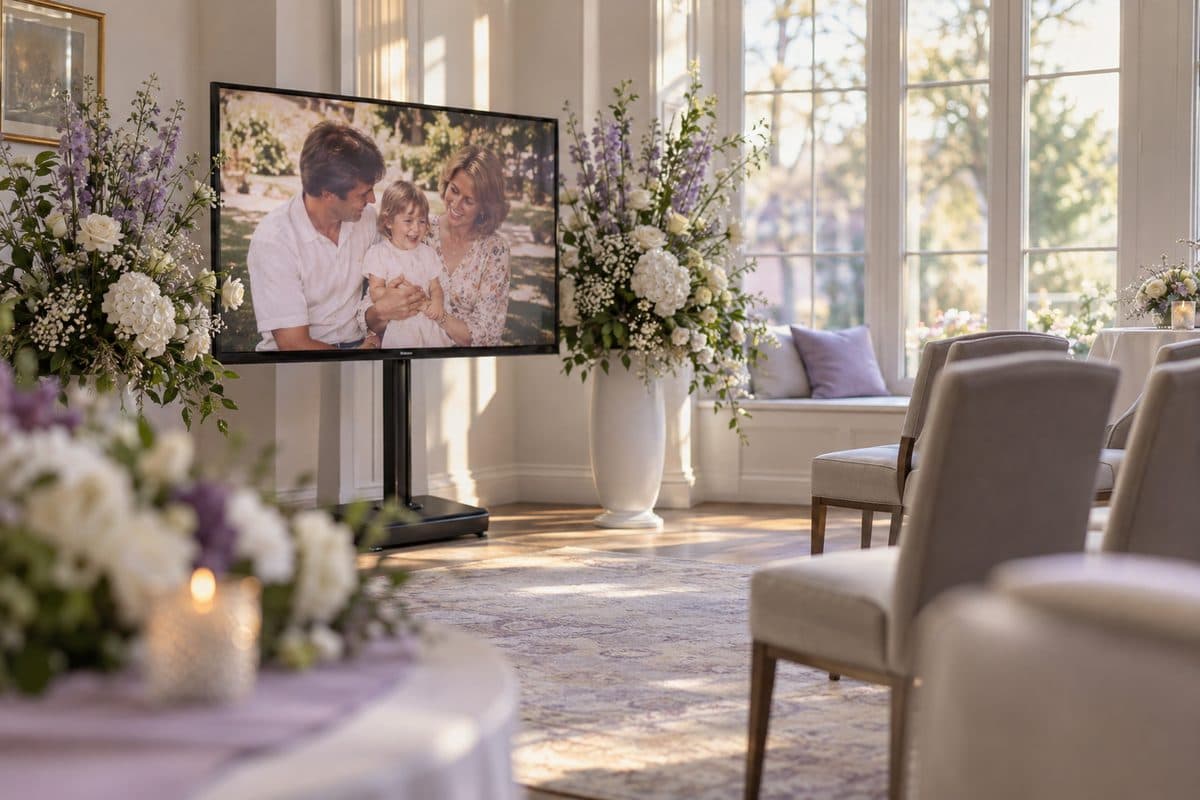
This short example was made with our maker from a made-up family album. A slideshow for a service usually runs 5 to 10 minutes; this one is a short version. There are more on our examples page.
Free ways to make a funeral slideshow
You don't have to pay anyone for a good slideshow. These tools are free, or already on many computers and phones:
- PowerPoint, if you have it: put one photo on each slide (on Windows, Insert, Photo Album adds them all at once), set each slide to move on after 5 or 6 seconds and add a song set to play in the background. Then save it as a video with Export, in the File menu.
- Google Slides: free in a web browser, and several relatives can work on it at once. Music has to come from Google Drive. Add the song to the first slide, set it to start automatically and untick Stop on slide change in its format options, or the music stops at the next slide. Play it through once where you'll show it.
- The Photos app on your phone: on an iPhone, a memory movie turns the photos you pick into a video with music, and on Android, Google Photos makes a highlight video. Both suit a shorter video best.
- iMovie on a Mac or an iPhone: free, with more control over timing and music, and a little more to learn.
A memorial video maker works differently: you upload the photos and choose the music, and the slides are made for you. Ours is free to try. You make the full preview, which has a watermark, change it as often as you like and pay $49 once only if you download the MP4 in 1080p. The download comes with a PowerPoint file of the slides and a memorial page to share. If you only want the slides, they cost $25.
Playing it at the service
- Ask the funeral home or venue early what they play videos from, and whether they'd like the file a day or two ahead.
- An MP4 file on a USB stick plays on most TVs with a USB port and on almost any laptop. Try it on a TV at home first.
- If you bring a laptop, bring the charger and a cable for their screen (usually HDMI), and ask whether the room has speakers. Laptop speakers are too quiet for a room full of people.
- Some venues still ask for a DVD. Ask whether a USB stick or a laptop will do instead: it's simpler, and the picture is sharper.
- Keep a second copy on another USB stick or on your phone.
- At a visitation or reception, set the video to repeat so it plays quietly while people talk.
Questions families ask
How do I make a funeral slideshow with music for free?
Use PowerPoint, Google Slides or the Photos app on your phone: add the photos, let each one show for 5 or 6 seconds and add a song. For the service, save it as a video or play it from the laptop. With us, the full preview with music is free, with a watermark, and you pay $49 only if you download it.
How long should a funeral slideshow be?
For a service, 5 to 10 minutes usually feels right: long enough to tell their story, short enough that everyone stays with it. At a visitation or reception it can run longer and repeat. Our guide on how long it should be has a calculator.
How many pictures do you need for a funeral slideshow?
Plan on about 10 photos for each minute, with every photo on screen for about 6 seconds. That's about 50 photos for a 5-minute slideshow and about 100 for 10 minutes.
What do you put at the end of a funeral slideshow?
Most families end with a favorite recent photo, then a closing slide with their name and years and a short verse or a saying of theirs. Some add a thank-you from the family or a big family photo. Keep the last words short, so people can read them before the music ends.
Should a funeral slideshow be chronological?
It doesn't have to be, but most families choose it, because guests can follow a life from childhood on without any explanation. If there are few early photos, group them by chapters instead, such as family, work and the things they loved. Our Sort by age suggests the order of their life from the faces in the photos, and you check it.
Who makes slideshows for funerals?
Often someone in the family makes it. Many funeral homes can make one if you bring the photos, and local photo and video studios offer it too. An online maker like ours is another way: you choose the photos and the music, and the slides are made for you.
How much does a funeral home charge for a slideshow?
It varies from one funeral home to the next, and some include a slideshow in a package. Ask for the price and what they need from you, such as how many photos and by when. With us, the preview is free and the download costs $49, once.
How do you present photos at a funeral?
The usual ways are a slideshow on a screen, photo boards on easels and a memory table with framed photos and a few of their things. Many families do two of these, for example boards at the entrance and the slideshow during the service.
You may also find helpful
 How long should it be?How many photos and songs for a video of 5 to 10 minutes, with a calculator.
 Scanning old photosThe best ways to scan and digitize old photos for a memorial video: your phone, a free app, a scanner or a service, with tips on glare and resolution.
 Songs for the videoFind a song for the video by mood, by who they were to you or by style, and listen to it.
 PowerPoint templateA free funeral slideshow template for PowerPoint: five 16:9 slides with photo frames and soft backgrounds, sent by email, with steps for photos and music.
 Example videosMemorial videos made from family albums, to watch before you start your own.
 GuidesPlain, step-by-step guides for a funeral slideshow or memorial video: finding and scanning photos, putting them in order, music and length.