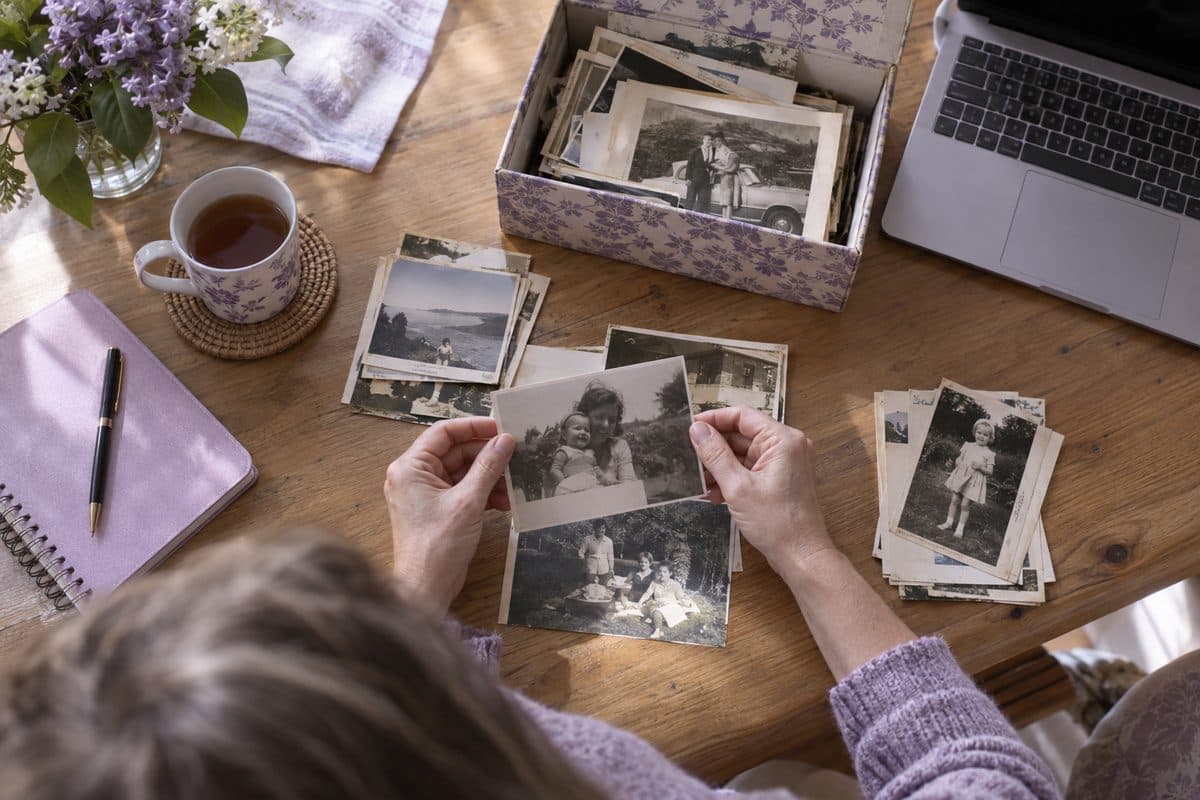
Guides for making a memorial video
Plain, step-by-step help for families making a funeral slideshow or a memorial video: finding and scanning the photos, putting them in the order of their life, choosing music and playing it at the service. Start with the full guide, or go straight to the part you're stuck on.
Updated October 17, 2026
 Funeral slideshow guideA step-by-step guide for families: gathering and scanning photos, putting them in order, music, closing words, free tools and playing it at the service.
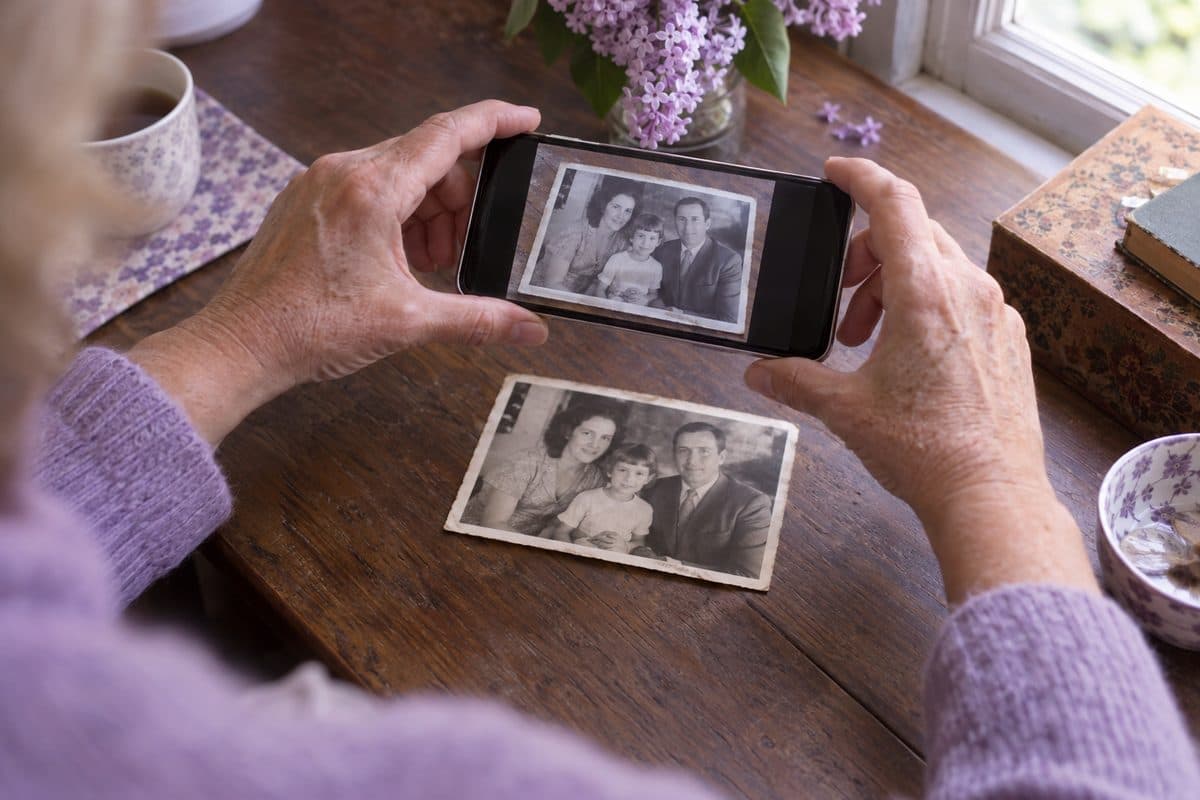 Scanning old photosThe best ways to scan and digitize old photos for a memorial video: your phone, a free app, a scanner or a service, with tips on glare and resolution.
More help for the video
 How long should a memorial video be?how many photos and songs for 5 to 10 minutes, with a calculator
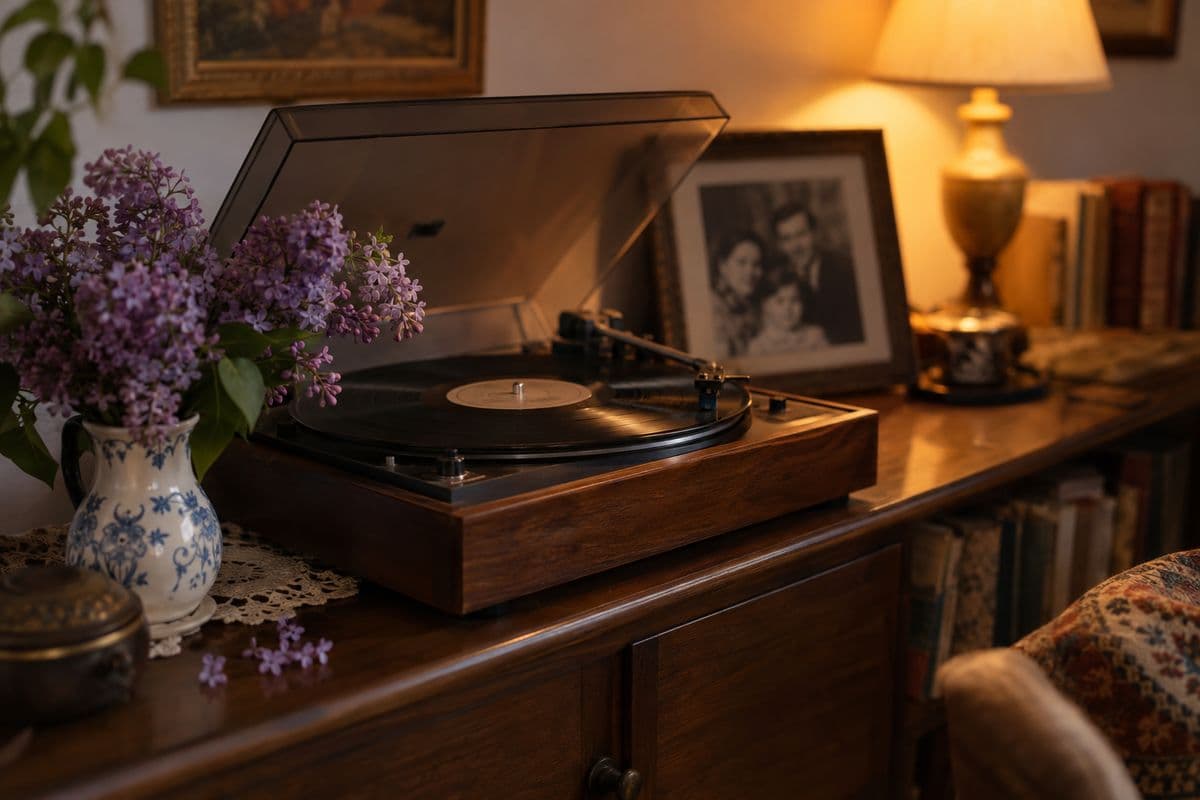 Songs for a memorial slideshowby mood, by who they were to you and by style, with a button to listen
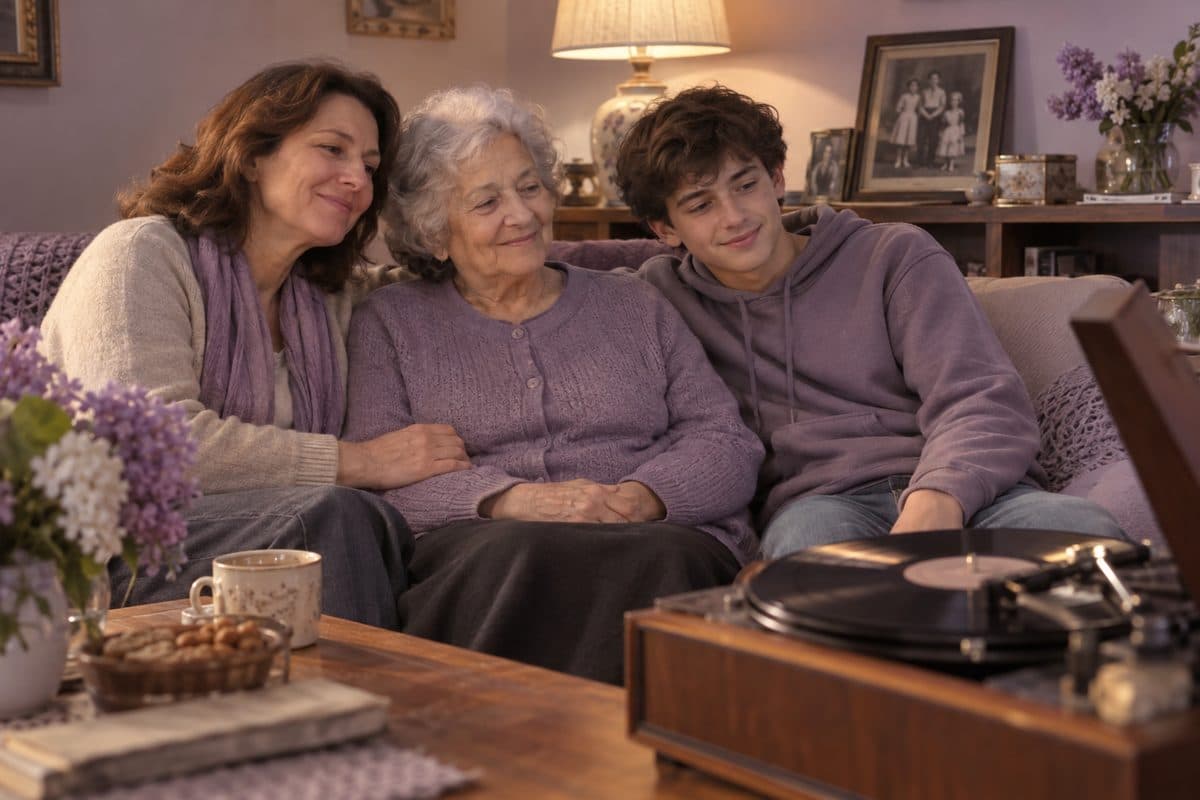 Funeral songsthe songs families choose most often
 Funeral slideshow template for PowerPointa free template if you'd rather build the slides yourself
Questions families ask
What's the easiest way to make a memorial video?
Gather the photos first, since that's the slow part. Then either build the slides yourself in PowerPoint or a phone app, or upload the photos to a memorial video maker like ours, which puts them in order by age and makes the video with the music you choose. Our preview is free, and you pay $49 only if you download the video.
How do I make a video with lots of pictures?
Put them all in one folder first, then use a tool that takes them in one go instead of slide by slide: Photo Album in PowerPoint on Windows, a memory movie on an iPhone, or a memorial video maker. Ours takes up to 250 photos and shows each one for about 5 seconds, which you can change.
Can someone make the slideshow for me?
Many funeral homes offer one, and so do local photo and video studios. Ask about the price and what they need from you. If you'd like to make it yourself with a little help, write to support@inmemoryvideo.com and a real person will walk you through our maker, free.
Can family help from far away?
Yes. Send them the family link by text or email, and they add photos from their own phones without an account. Each photo shows who sent it, and you choose which ones go into the video.
You may also find helpful
 Example videosMemorial videos made from family albums, to watch before you start your own.
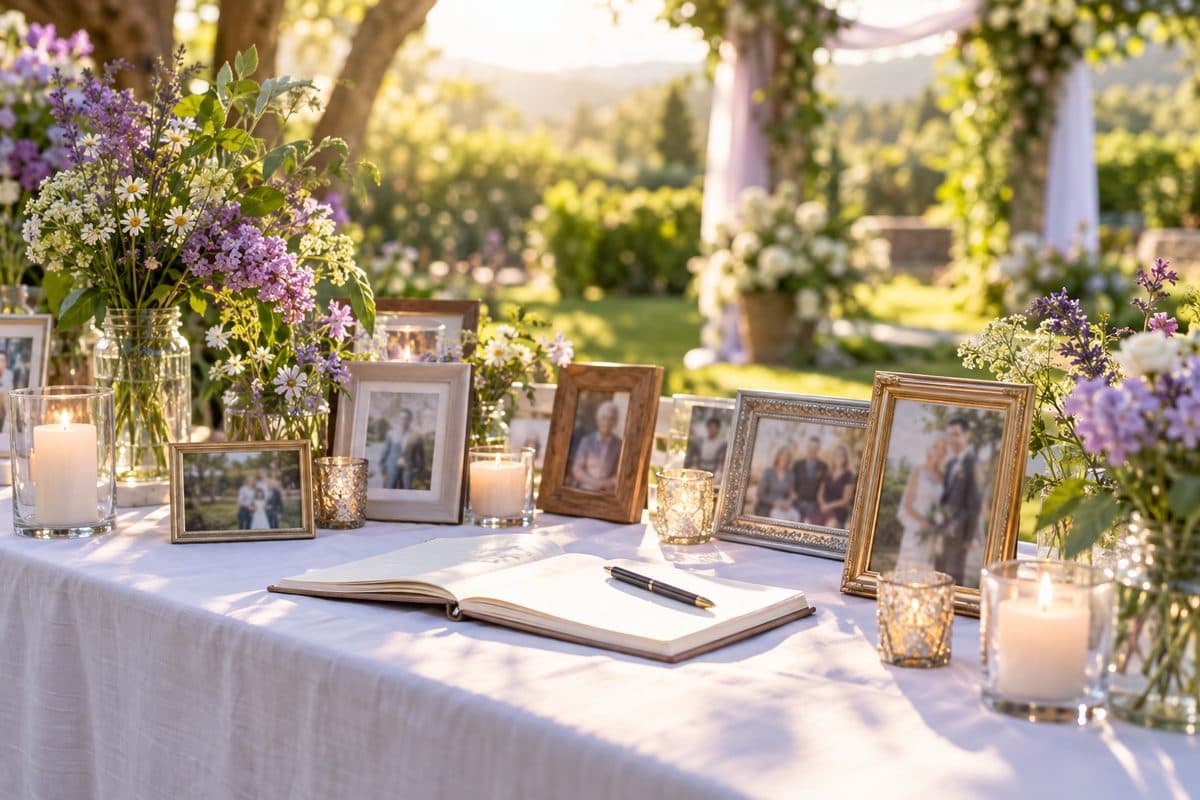 Celebration of life ideasIdeas for a celebration of life service or party: at home or outdoors, food and music, a memory table, ways for guests to take part, ideas for Mom or Dad.
 Poems and readingsFuneral poems to read at the service, each printed with its source: Remember, Crossing the Bar and more, for Mum or Dad, a partner or a soldier.
- Questions and answersAnswers about photos, music, the preview, paying and getting help.
- Funeral slideshow guideA step-by-step guide for families: gathering and scanning photos, putting them in order, music, closing words, free tools and playing it at the service.
- Scanning old photosThe best ways to scan and digitize old photos for a memorial video: your phone, a free app, a scanner or a service, with tips on glare and resolution.